Satisfaction, even when you're away
See how each visit went the moment it happens. You don't have to stand at the counter to know your customers were well served.
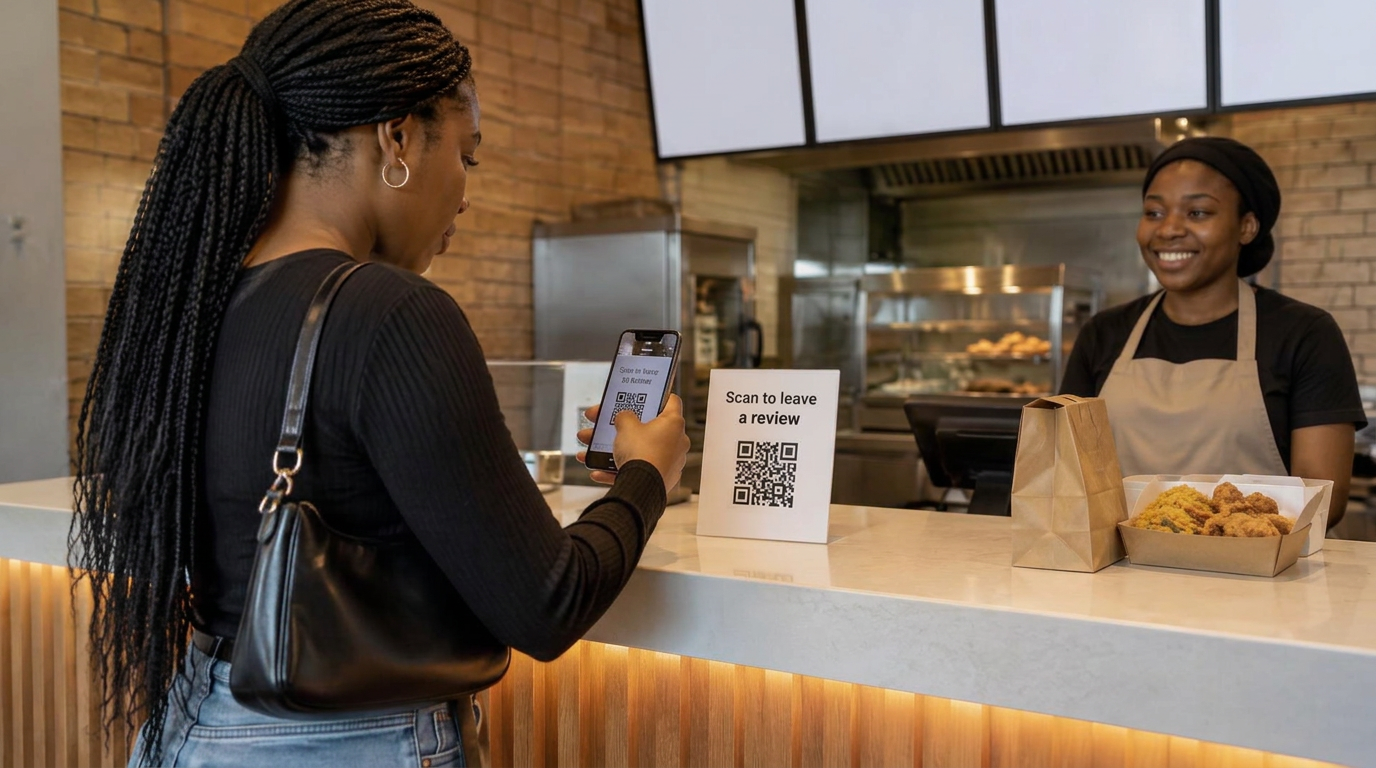
FOR BUSINESSES THAT CARE ABOUT THEIR CUSTOMERS
Make it easy for customers to share feedback, so you can follow up and improve their experience.
WHERE GETBAVOUR WORKS
Make it easy for customers to share their experience with a quick scan. From local shops to larger businesses, GetBavour works wherever you serve customers.
WHY BUSINESS OWNERS CHOOSE GETBAVOUR
Four things your business gets the day your first customer scans.
See how each visit went the moment it happens. You don't have to stand at the counter to know your customers were well served.
When customers can say how they were treated, teams take the extra care. Every visit becomes a chance to earn a good word.
Customers get a simple, honest channel: a star rating and a few words about the service they actually received.
Not guesses. Words from the people who paid. See what to keep doing and what needs your attention next.
LESS FRICTION. MORE FEEDBACK.
From your counter to your customer inbox, keep every piece of feedback connected to your business.
How did we do?
Share your experience
Download your scan card. Put it on the counter, tables, or packaging. Your review link stays the same.
How was your visit?
Feedback received
Illustrative customer feedback
A quick scan opens your review page. Customers leave a rating and a message, with no account to create.
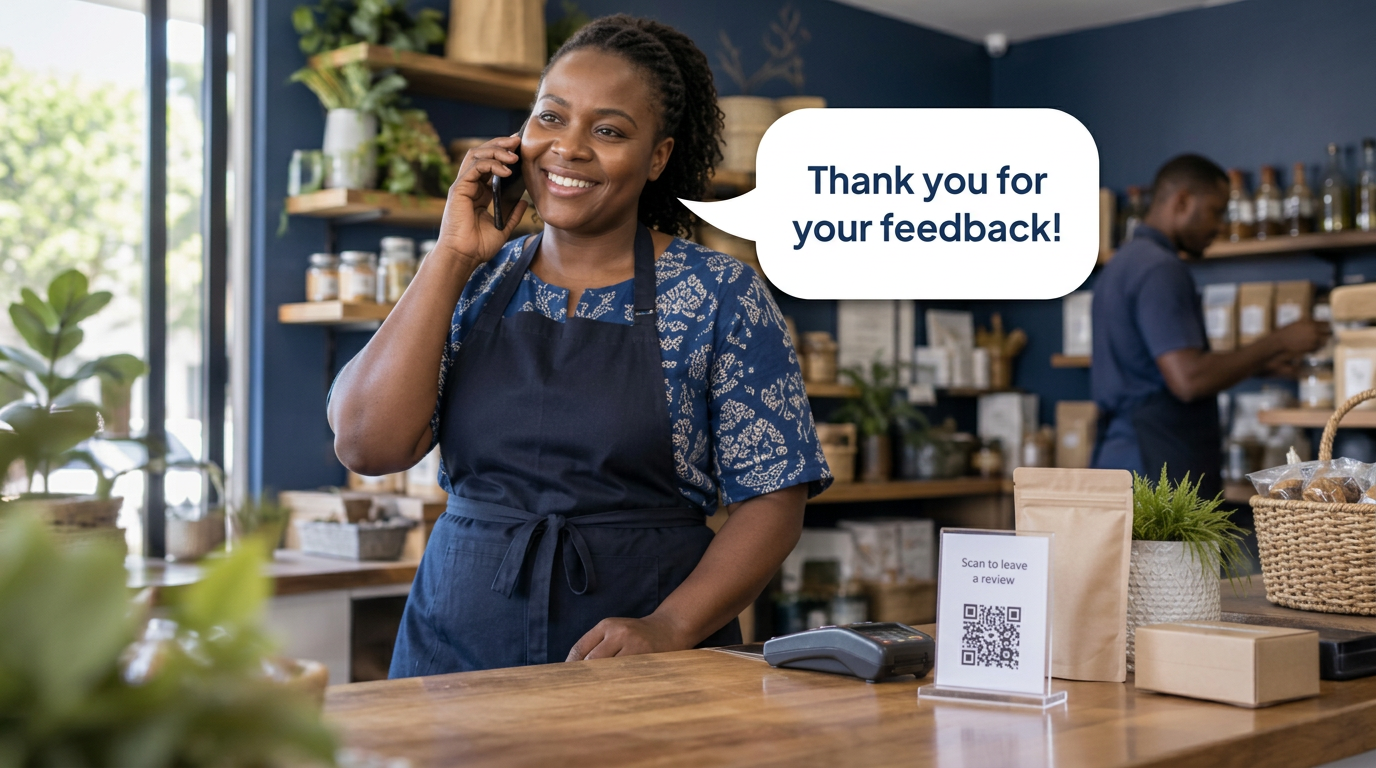
Feedback arrives as it happens. Call a customer back, thank them, or put things right, then use the trends to see what to fix next and what is already getting better.
HOW TO GET STARTED
Sign up with your email. Your workspace stays private to your business.
Add the name and location customers see when they scan your card.
Download the QR code and put it on the counter, tables, or packaging.
Feedback lands in your inbox. Call back when a customer leaves a number.
No. They scan your card and leave a star rating and written or audio feedback. Their name and phone number are optional.
Yes. When a customer adds their phone number, it appears in your inbox as a tap-to-call link, so you can follow up, thank them, or put things right.
Yes. Download it as a PNG or SVG and print it wherever customers will see it. Your saved review link stays the same when you update your business details.
Yes. Add another location from your workspace and switch between its reviews and scan card.
WhatsApp alerts are not active yet. They require a connected and approved WhatsApp Business account. You can collect and read all your reviews in your workspace without WhatsApp.
Give them a voice. Give your business a way to grow.
Create your accountOne account. A better connection with your customers.